.svg)


.png)
.png)


.svg)





.png)

.png)
Comprehensive Contracts Management
Control, track & manage project scope, cost, and timelines using the Contracts module.


Drive the Budget From a Live Estimate
Attach a published estimate to the contract and sync later versions in, with full drill-down on where each quantity was used

Create Contracts on a WBS
Set up a prime contract against work breakdown items with its own folder, permissions and commercial structure

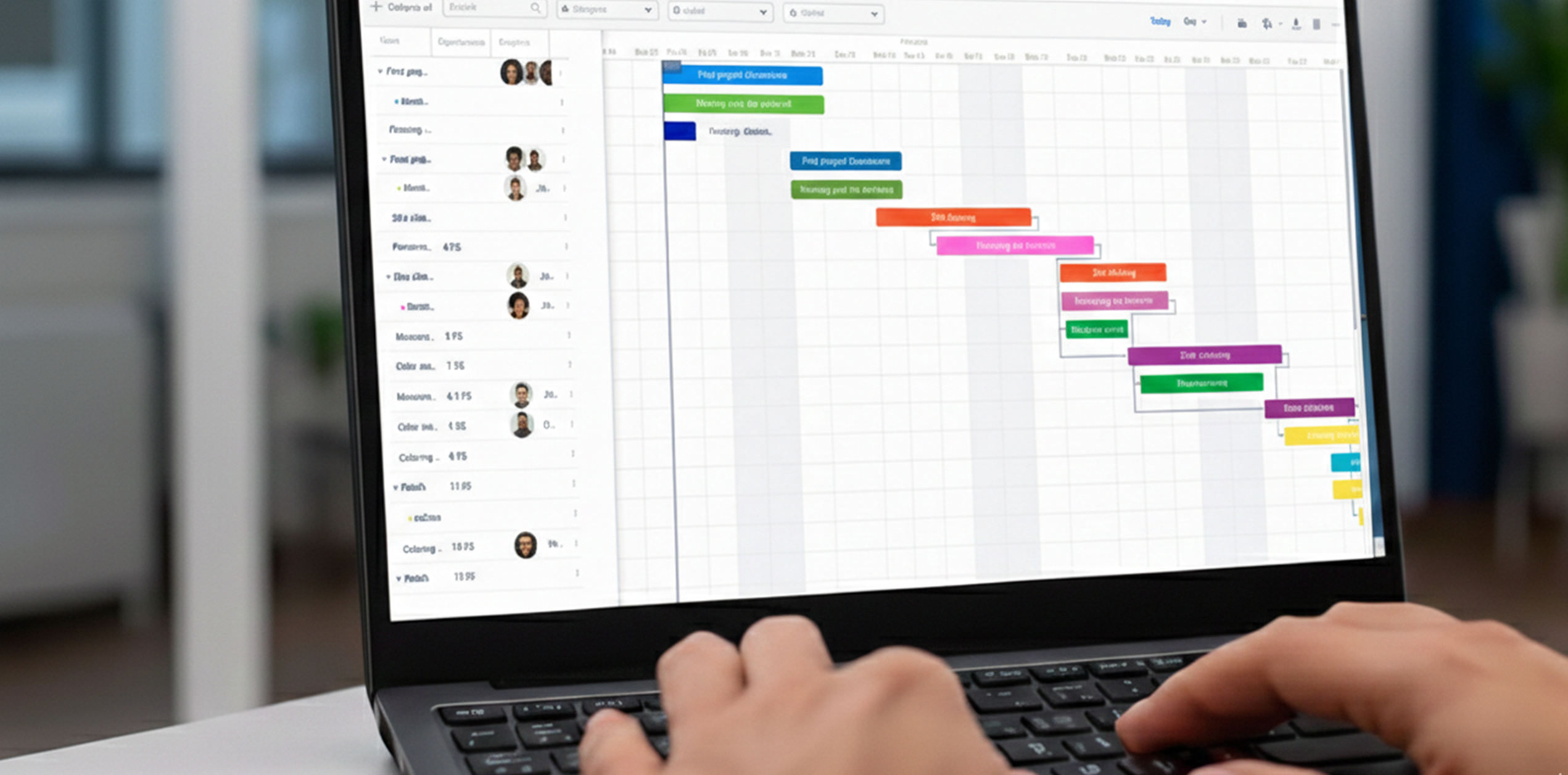
Connect the Contract to Its Schedule
Attach a schedule, re-run the scheduling algorithm from actual progress and export to P6, MS Project or Excel

Manage Prime and Sub-Contracts Together
Issue internal, work-order or purchase-order sub-contracts and let their updates roll straight up into the prime

Bill From Approved Progress
Raise bills that pull tasks and quantities from approved progress updates and inspections, then reflect back into the budget
Govern Every Change With Change Orders
Draft the change, document it on a configurable form, and apply it to the contract only once it is approved
Inspect Before You Certify
Run inspections against tasks and quantities so inspected amounts feed the budget before anything is billed
Anchor the Budget to BOQ Items
Link BOQ items to timeline activities, auto-populate available quantity, or simply set a lump-sum budget
See Contract Health at a Glance
Planned versus actual dates, percentage progress, variance, milestones, change orders and bills on one dashboard
Track Payment Milestones
Create nested milestones with amounts or percentages of the total and drive their dates from schedule tasks
Keep a Governed Contract Register
Every contract and sub-contract with version history, per-user access and the option to lock the baseline
Configure the Contract and Its Forms
Turn tabs on or off, add custom fields, and set templates for change orders, progress updates, inspections and bills
Attach Schedule Tasks to the Contract
Bring tasks in with dates and durations prefilled, and unlink them whenever the scope moves
Keep Contract Documents Together
Attach and star the files that belong with the commercial record

Capture Progress Against Quantities
Update activities, tasks and quantities once and watch used quantity, amount and timeline actuals move together


.png)



.png)
.png)
.png)

.webp)


.webp)




.png)
.png)
.jpg)



.png)
.png)
.png)
.png)
.png)
%20(1).png)

.png)

.png)

.png)
.png)


.png)
.png)


.jpg)

.jpg)


.jpg)
.jpg)
.jpg)